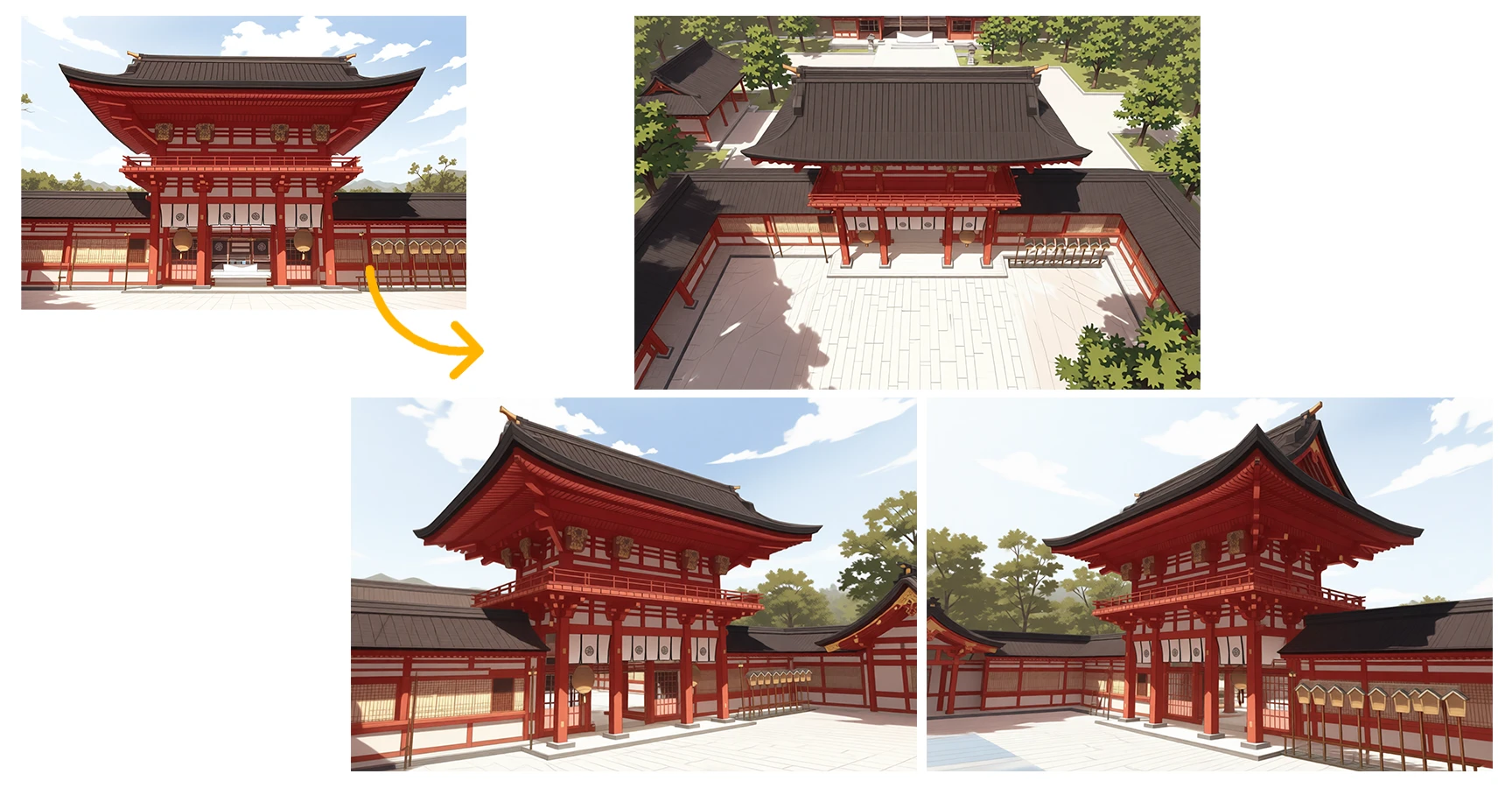
Features of copainter Camera Angle Control
Generate illustrations from various angles (perspectives) automatically from a single character image using AI. Create characters from diverse angles such as front, side, back, diagonal, bird's-eye view, and low angle. Normally, drawing multiple angles takes time and effort, but this tool lets you obtain multiple viewpoints with one click. Generate images with only the angle changed while preserving character features like clothing, hairstyle, and other elements, allowing you to instantly check "how this character looks from different angles." A convenient tool useful for various purposes such as animation production, game assets, and manga reference creation.
You don’t need a high-performance PC or complex software to use this tool. With its intuitive web interface, even beginners can operate it with ease. copainter is a next-generation creative support tool that expands your creative potential and makes the production process easier.
Effortlessly convert to any angle from a single source image
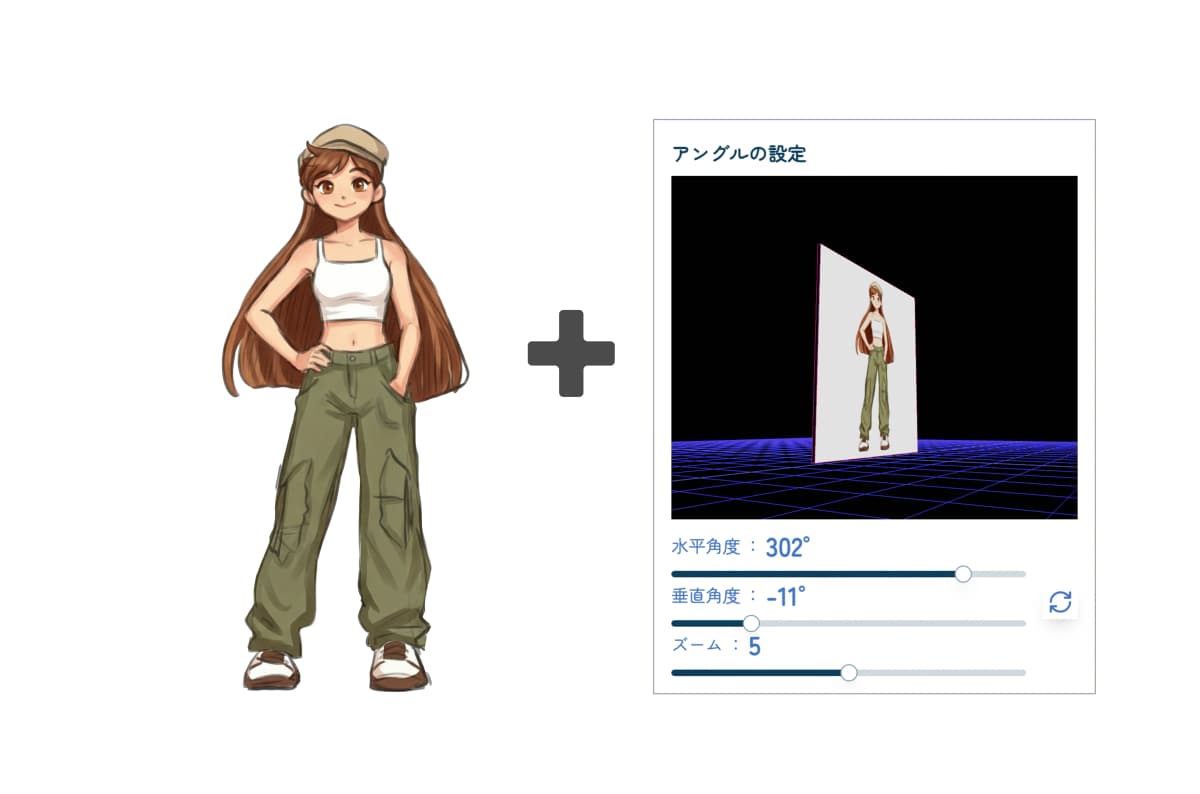

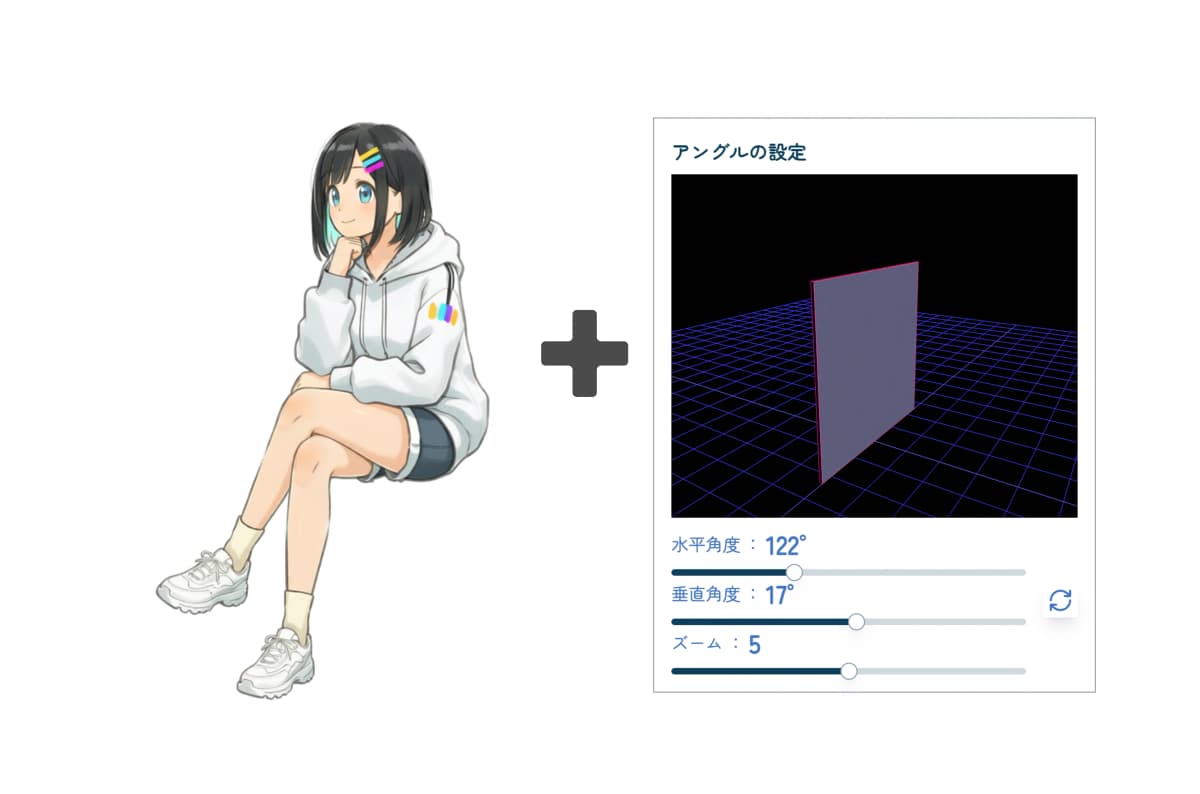

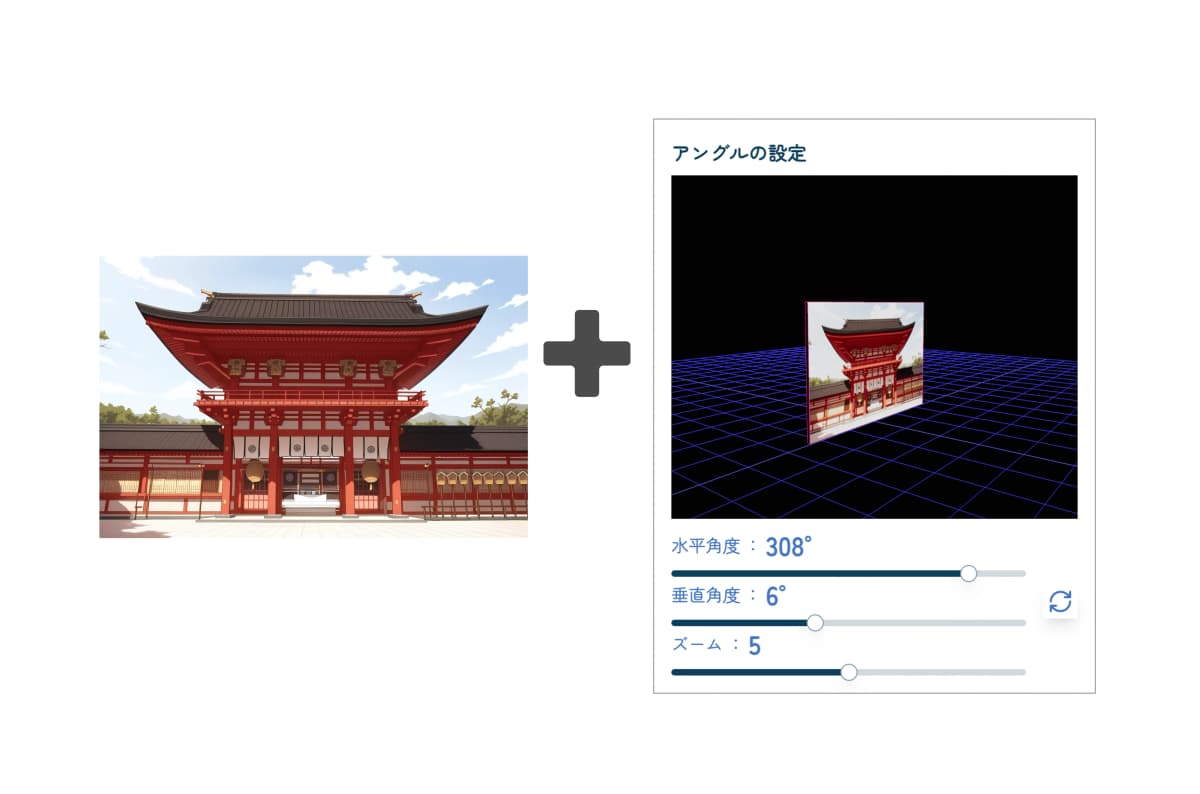

It's very easy to use
Upload an image

Upload the character or background illustration you want to convert.
Set angle and parameters

Use the control panel to adjust camera angles and zoom. You can determine the optimal composition while checking the real-time preview. Press the "Submit" button and wait a moment. (This consumes 1 ticket.)
Get your image!

After about 10 seconds, the image converted to the specified angle will be generated. If everything looks good, download the image!
Why copainter Camera Angle Control is chosen
Instantly generate diverse angles from a single image
Automatically generate not only front, side, and back views, but also diverse perspectives like diagonal, bird's-eye, and low angle from a single source image. Dramatically reduce the time to draw multiple angles by hand and boost production speed. Immediately useful for character design reference materials and setting materials for animation and game production.

Achieve natural angles while preserving character features
AI analyzes character features from the source image (hairstyle, clothing, facial features, body type, etc.) and executes natural angle conversion while preserving them. Even perspectives difficult to draw by hand like "What does this character look like from directly behind?" can be generated naturally. Deepens three-dimensional understanding, making it very useful as drawing reference material.

Intuitive operation with no prompts needed - easy for anyone
No complex text input or settings required - just upload an image and select an angle with simple operation. No need to think about English prompts, and beginners can try various angles without stress. The moment you think "I want to see this character from the side," you can immediately get results with ease.