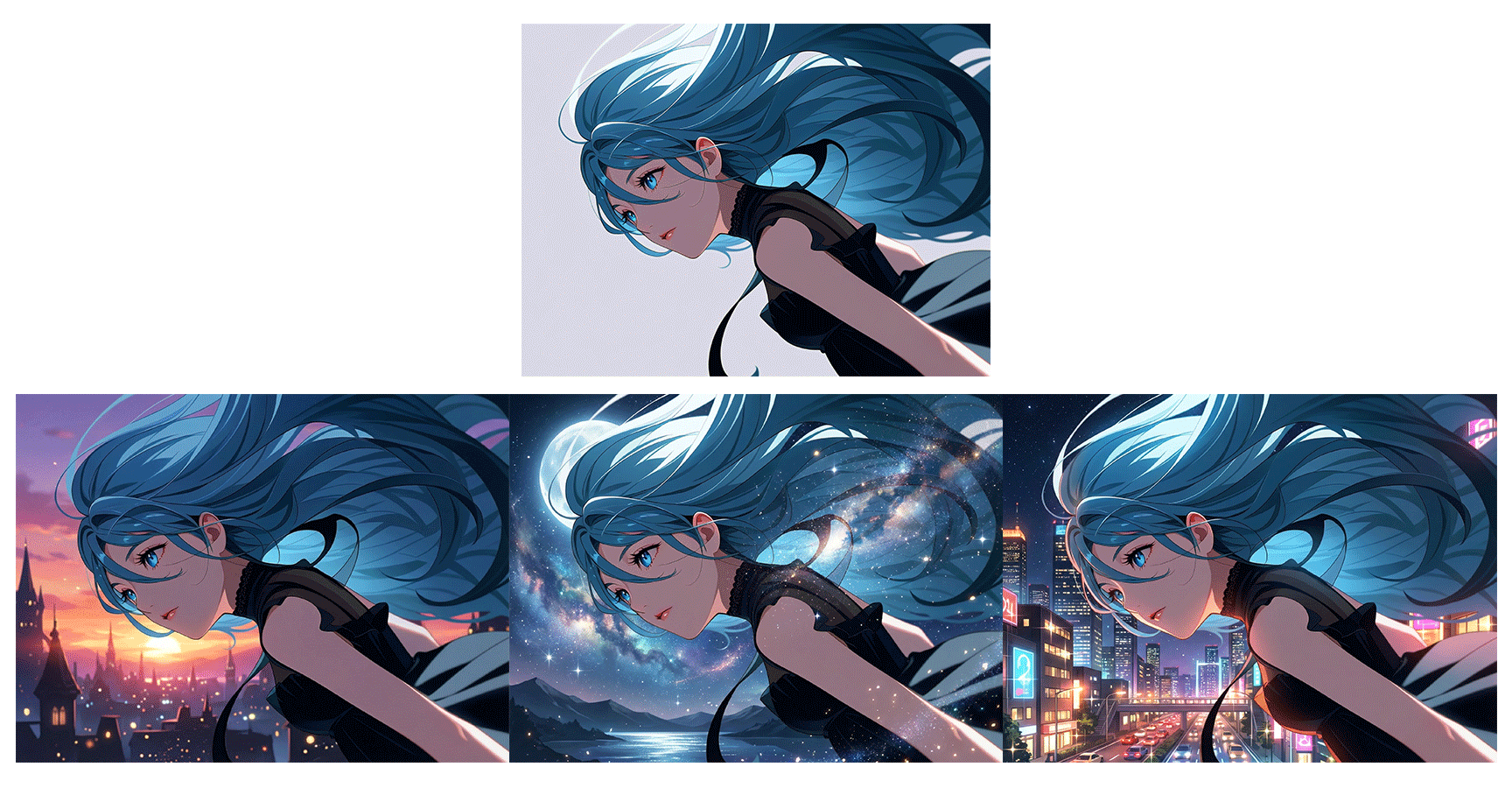
Features of copainter rough2color
The "rough2color" feature can output a fairly complete color illustration from rough sketches. Because it combines the traditional processes of "lineart → underpainting → coloring" all at once, it can be used not only as a finished work as-is, but also as reference material during production—for example, "confirming a colored image at the rough stage to explore direction" or "seeing what color result the AI produces when entrusted with a sketch drawn by habit."
You don’t need a high-performance PC or complex software to use this tool. With its intuitive web interface, even beginners can operate it with ease. copainter is a next-generation creative support tool that expands your creative potential and makes the production process easier.
Full color finish from a single rough sketch
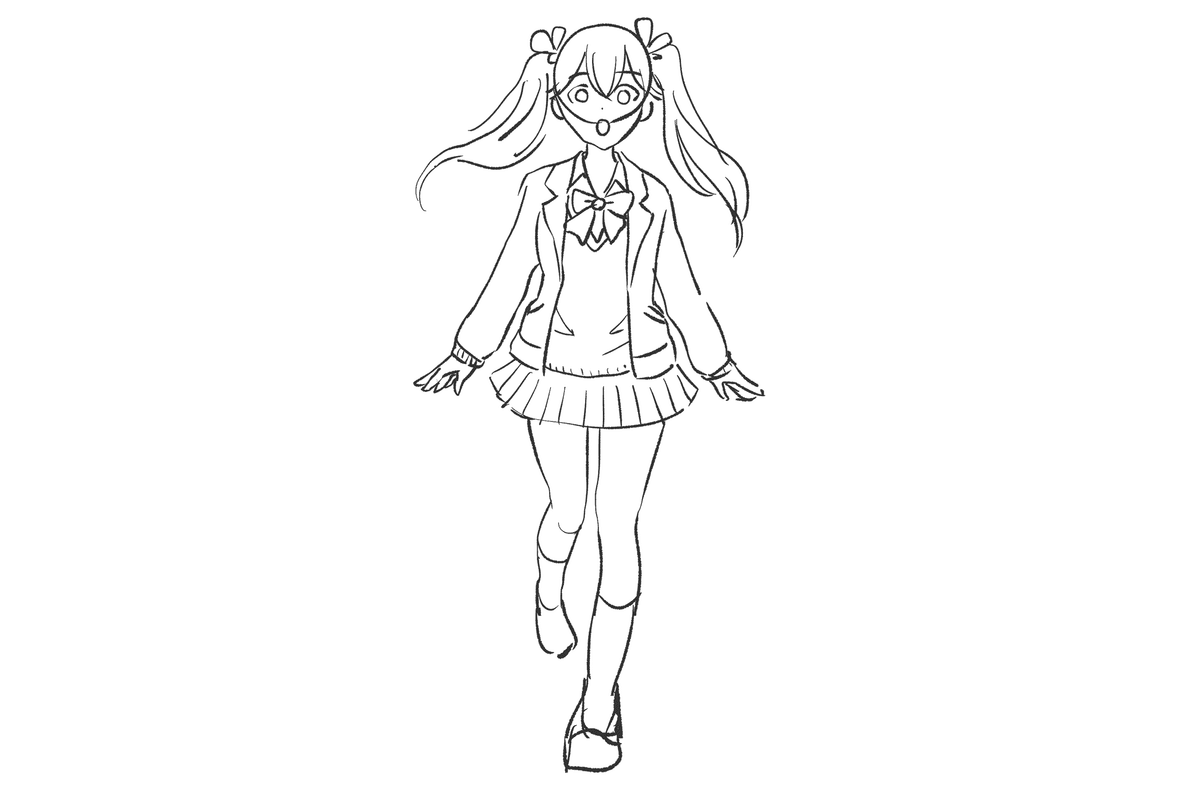

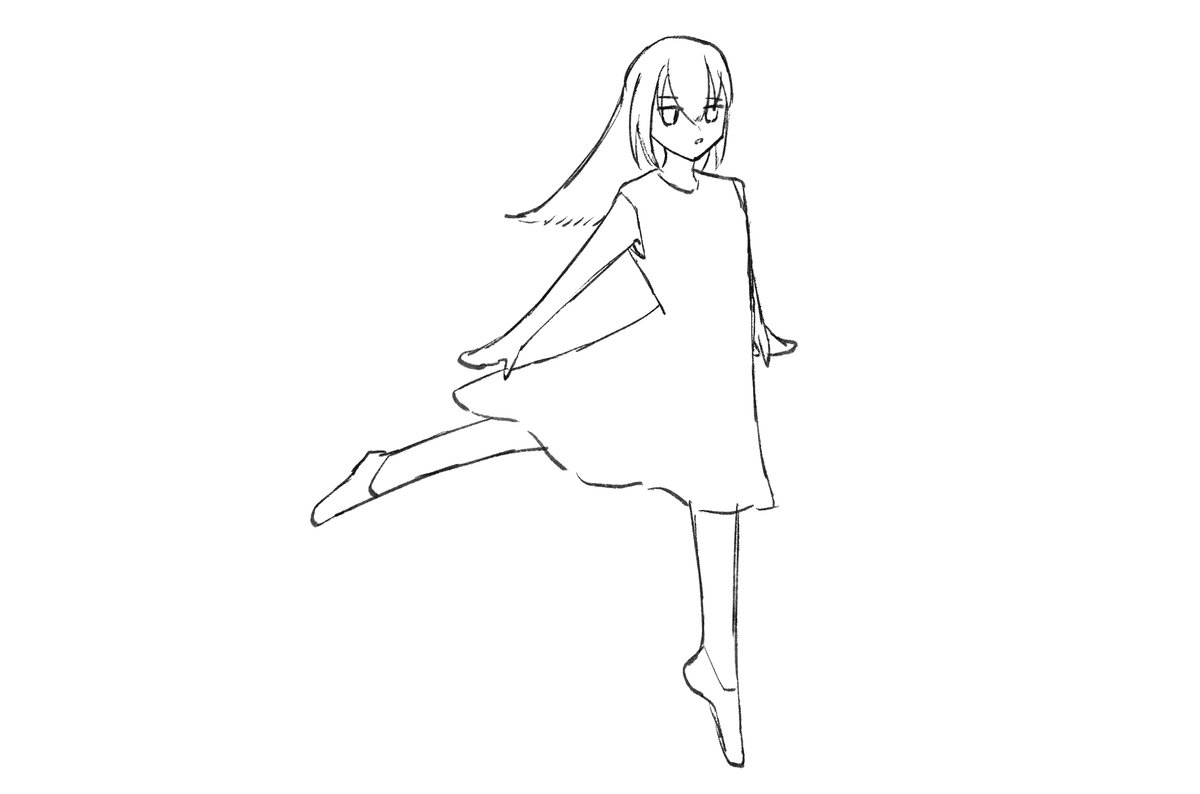

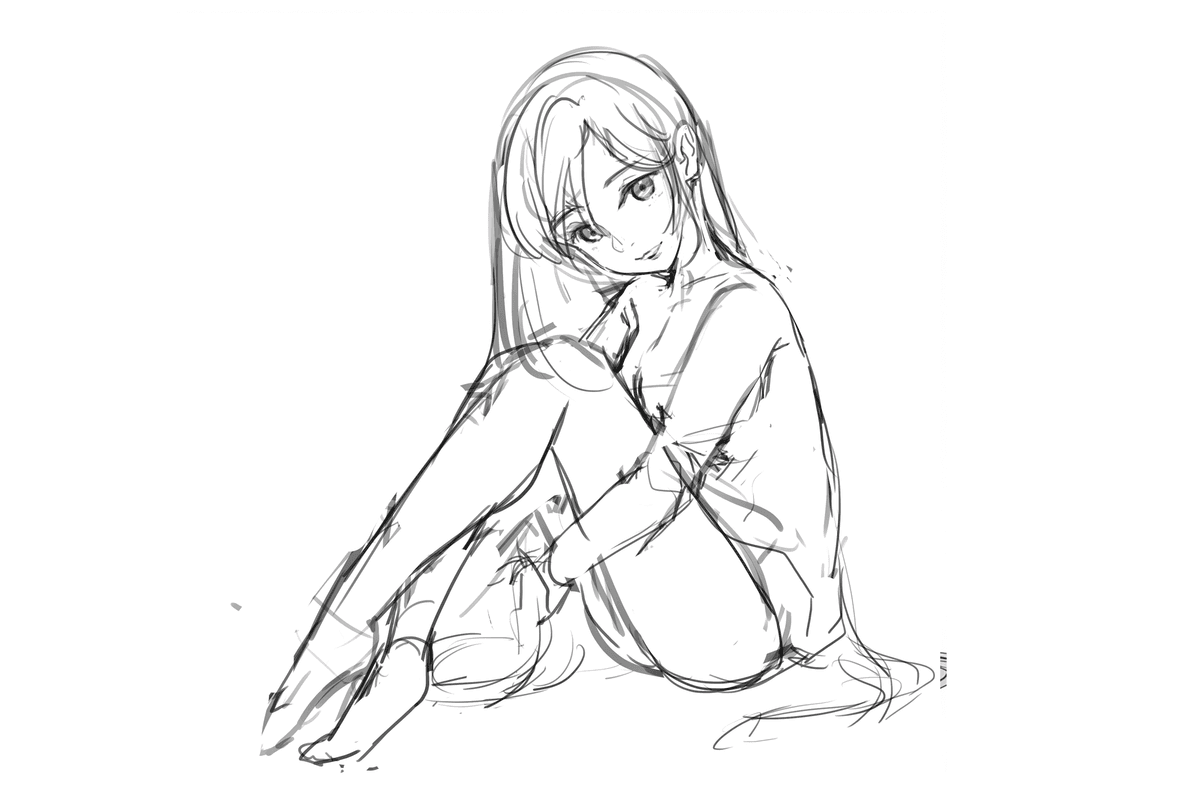

It's very easy to use
Upload image

Upload any image.
Settings

Set "Model Settings," "Prompt," and "Parameters," then press the "Submit" button. (This will consume 1 ticket.)
Get your image!

After about 10 seconds, the desired image will be generated. If everything looks good, download the image!
Why copainter rough2color is chosen
Ultra-fast workflow that creates a "finished image" from a single rough
Just by uploading a rough, you can skip the processes of lineart creation, underpainting, and coloring to reach a color illustration all at once. The ideation-to-direction-confirmation cycle runs at high speed, enabling you to "just get it done to see it." You can specify the image you want to generate with a prompt, or use the "auto-detect prompt from image" feature for an easy start even if you're not good at verbalization. By slightly editing the auto-generated prompt, you can easily achieve coloring results that balance both the rough's intent and your preferred taste.

Visualize goal candidates all at once when exploring direction
Quickly confirm color proposals close to the final image. By viewing vague ideas in your head as "concrete pictures" side by side, you can decide at an early stage whether to proceed with "this character, this composition." Even casually drawn roughs, when the AI adds color and texture, can reveal new discoveries like "darker tones suit it better than I thought" or "pop color schemes really make it stand out." You can test a large number of color scheme and mood candidates that you might not reach alone, functioning as a brainstorming tool for direction planning.

Make illustrations richer with rough2color × AI Assistant
Images generated with "rough2color" can then be passed to the AI Assistant for "detailed adjustments." Create the base color illustration with Rough to Color, then instruct the AI Assistant to "draw in the background" or "make the lighting dramatic" to elevate it all at once to a rich finish that wasn't visible at the rough stage. By dividing roles—"Rough to Color" establishes the overall composition while the AI Assistant handles fine textures, backgrounds, and atmosphere—you can efficiently boost quality without waste. You can also convert to different styles for comparison, helpful in choosing the final direction.