

Features of copainter Lineart
This feature generates refined lineart from rough sketches. Compared to the inking function, it supports even rougher input and can be used not only as a final illustration but also as a reference during production — for example, to refine a rough drawing to explore direction, or to see how AI interprets your sketch style. You'll need to enter an English prompt describing the image you want to generate along with your sketch. If entering a prompt is difficult, you can use the auto-prompt feature to generate one from your image. However, this may not always reflect your intent accurately, so please edit the prompt as needed. This helps the AI understand your sketch and propose the best possible lineart.
You don’t need a high-performance PC or complex software to use this tool. With its intuitive web interface, even beginners can operate it with ease. copainter is a next-generation creative support tool that expands your creative potential and makes the production process easier.
Generate clean lineart from rough sketches
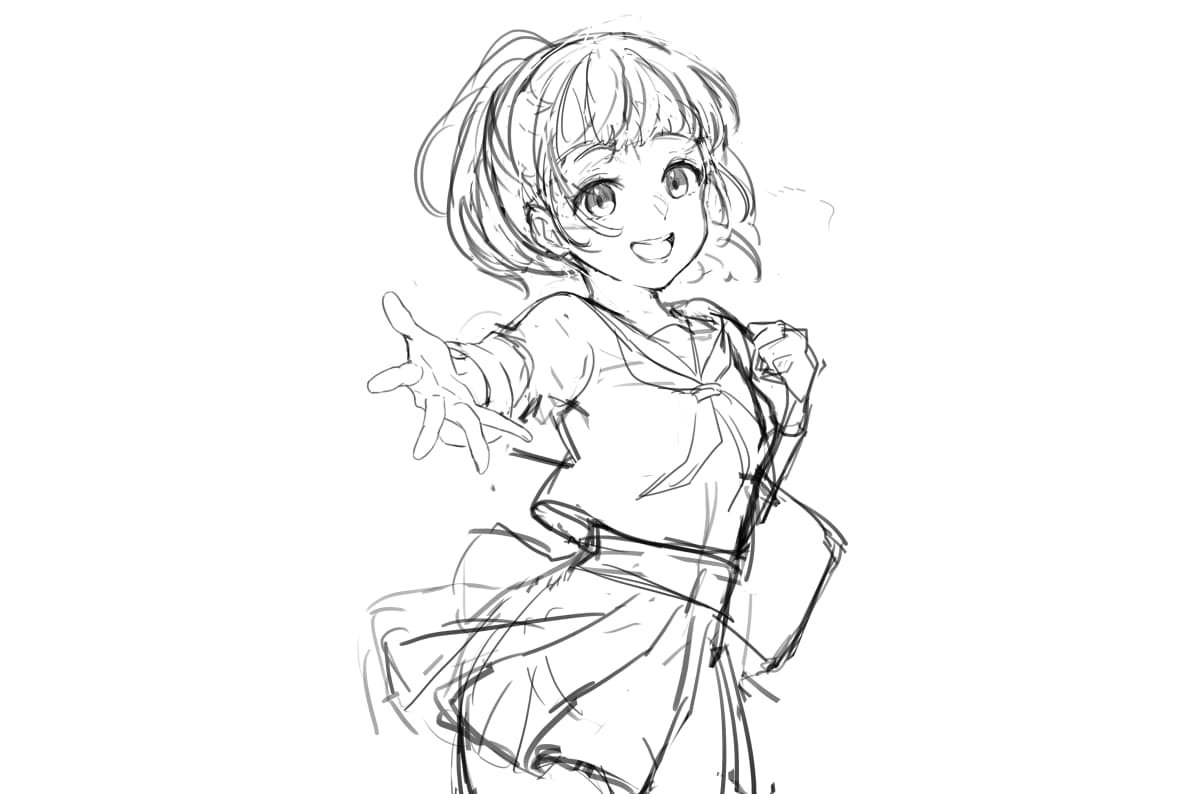

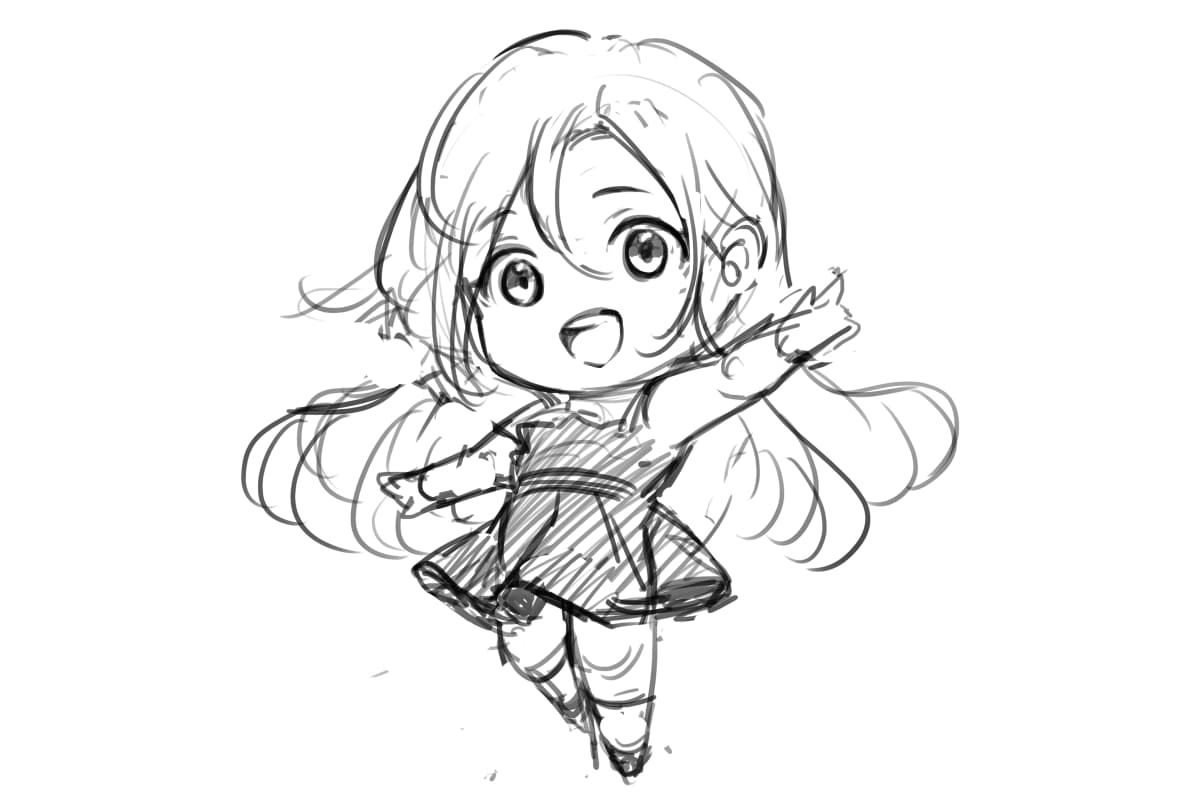

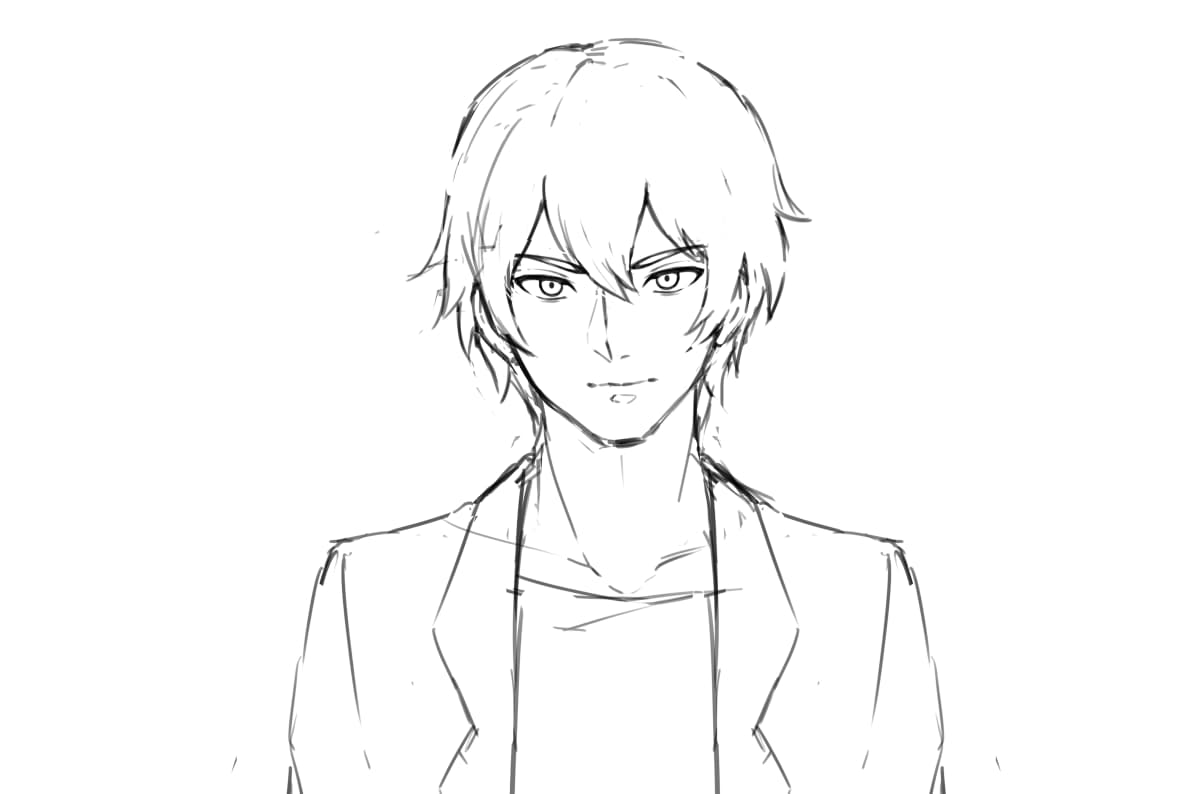

It's very easy to use
Upload your rough sketch

Upload your rough sketch into the 'Sketch Input' section of the tool.
Set parameters

Set the 'Parameters', 'Prompt', and 'Output Settings (e.g., transparent image)', then click the 'Submit' button. (This will consume 1 ticket.)
Get your refined lineart!

After about 10 seconds, your refined lineart will be generated. If it looks good, download the image and use it!
Why copainter Lineart stands out
Even rough sketches can be transformed
Compared to the inking function, this tool can generate clean lineart from even loosely drawn rough sketches. It's ideal for refining a draft to explore artistic direction or for checking how AI interprets your sketch style as reference material.

Exports with transparency
The background is automatically masked and separated, allowing export as a transparent PNG. Since it’s already transparent, you can drag it into Photoshop or Clip Studio and immediately start combining it with other layers. It’s also useful for web content or video editing, greatly expanding the range of secondary uses.


