Features of copainter txt2img
Our flagship generator turns short prompts into high-quality illustrations. Swap styles or aspect ratios to steer composition and mood, then fine-tune details with CFG and seed controls. Each run is saved automatically so you can revisit favorite variations and compare them side by side.
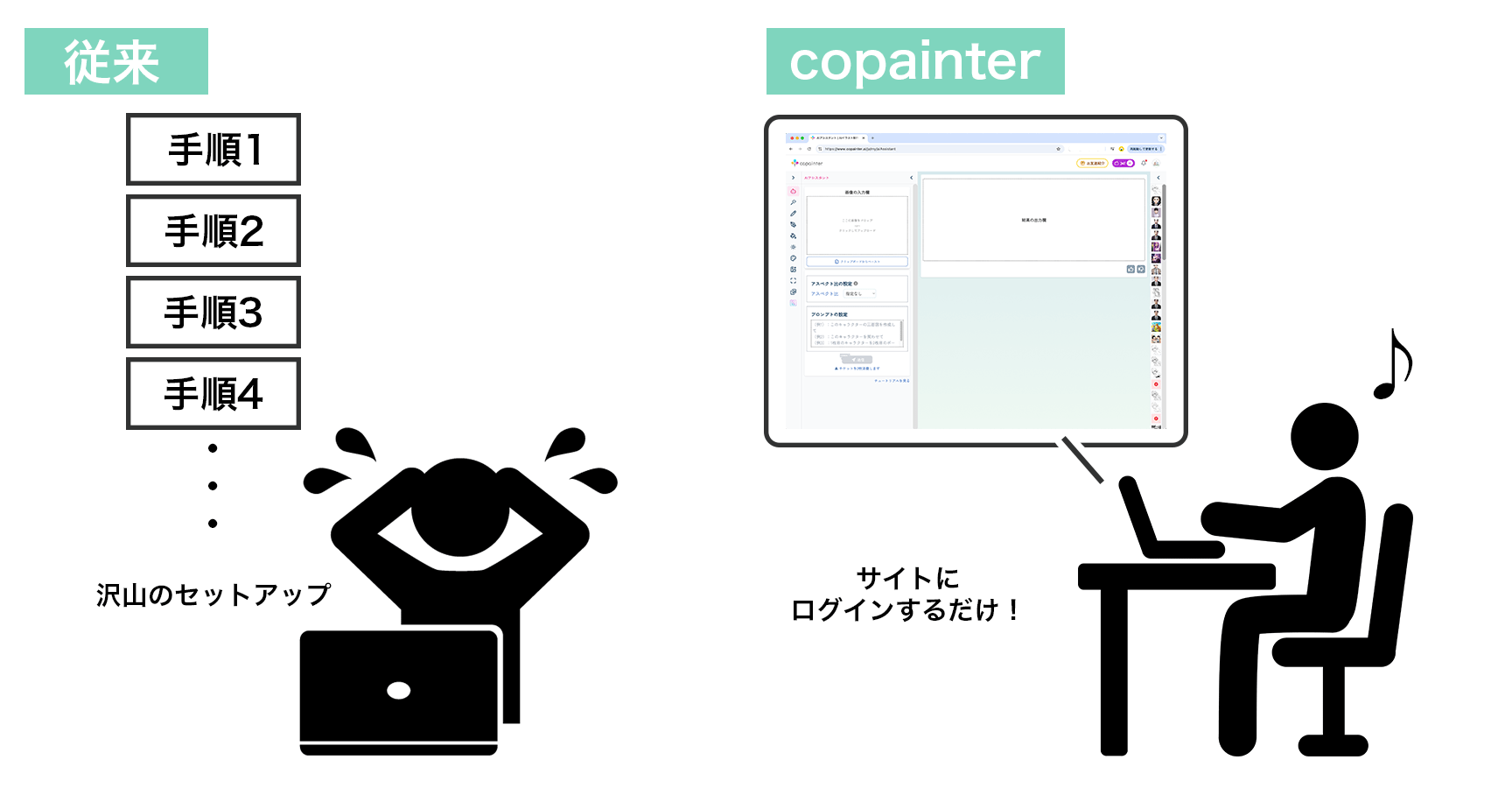
You don’t need a high-performance PC or complex software to use this tool. With its intuitive web interface, even beginners can operate it with ease. copainter is a next-generation creative support tool that expands your creative potential and makes the production process easier.
Bring ideas to life with only a prompt



It's very easy to use
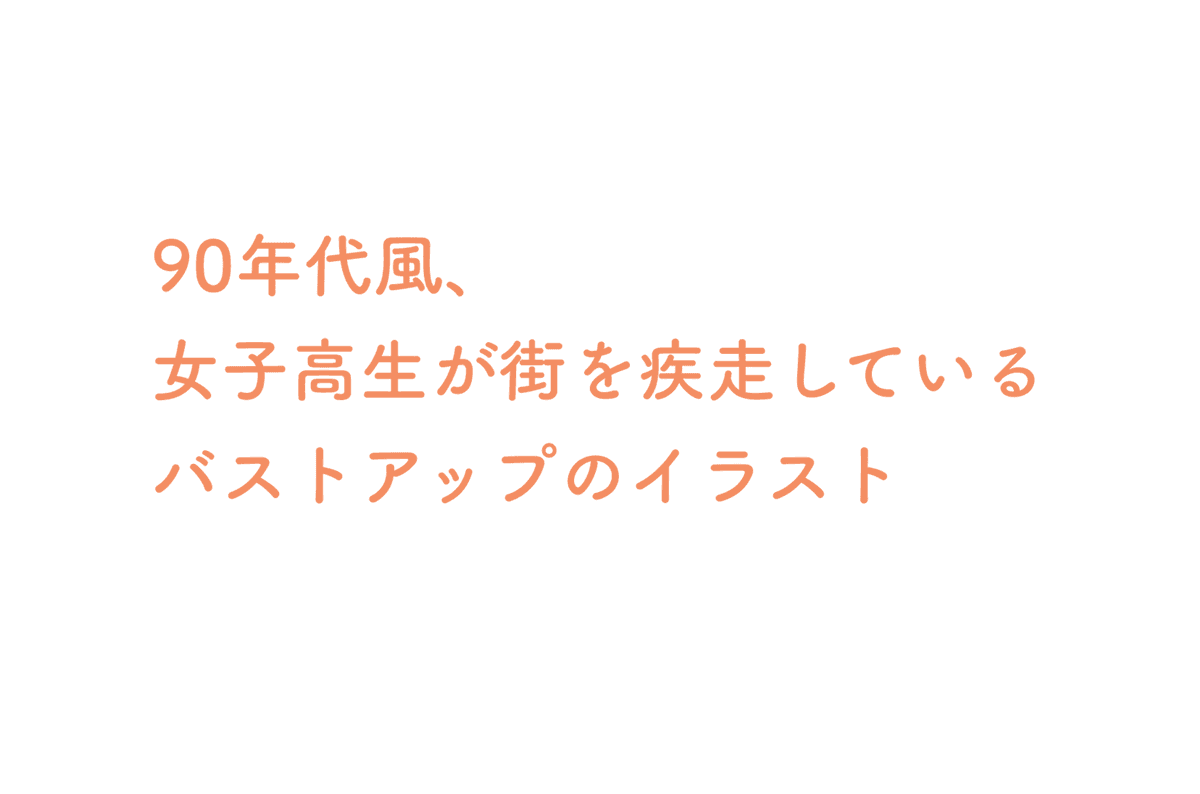
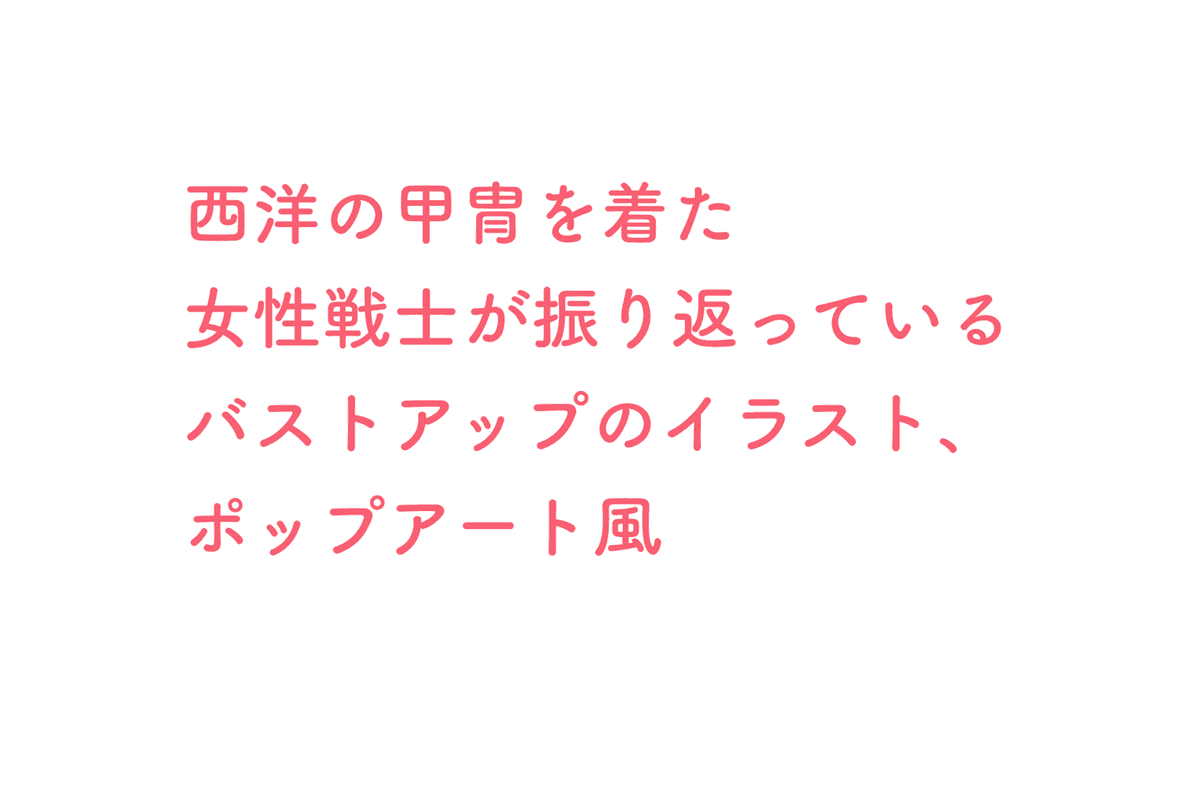
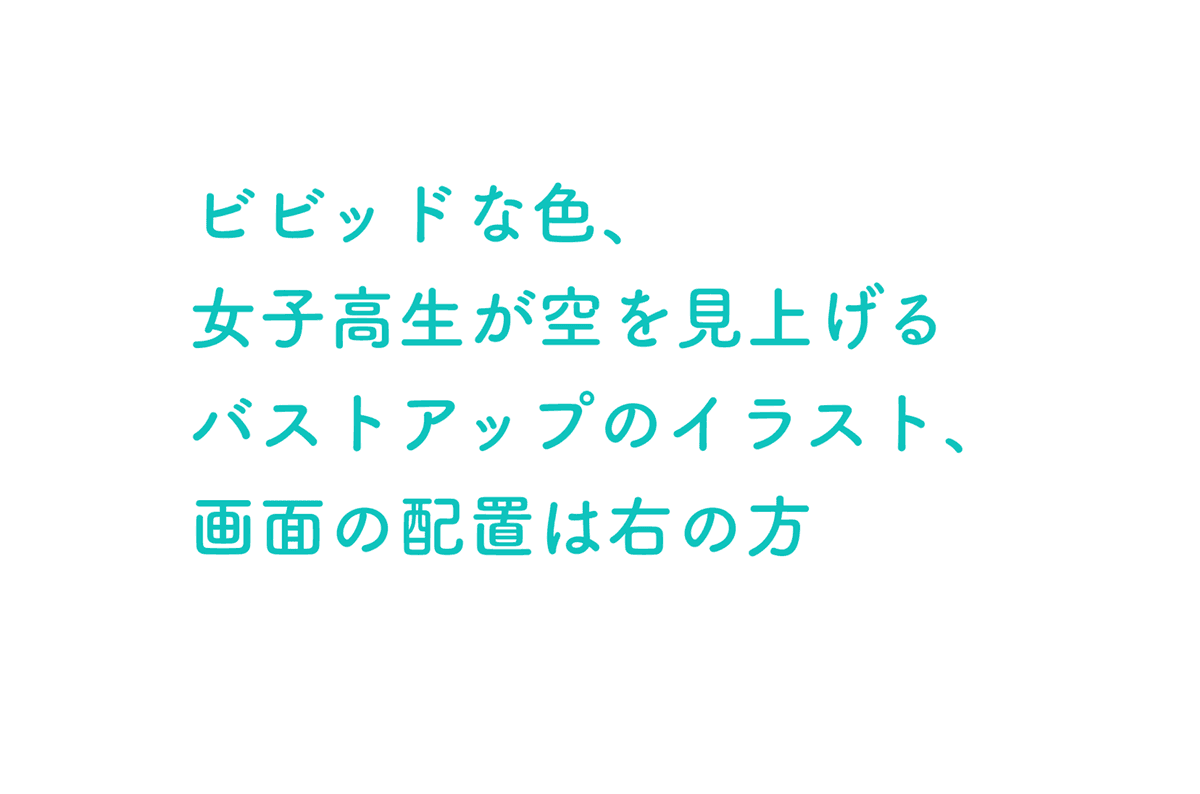
Write your prompt

Describe the character, composition, and atmosphere you want—English or Japanese prompts both work. Bullet key elements if that’s easier.
Adjust style and parameters

Pick a custom model, aspect ratio, and CFG strength to shape the output. The default settings already deliver strong results, so you can start simple and tweak later.
Generate and download

Press submit and wait a few seconds for multiple candidates. Click a favorite to open it and download instantly.
Why creators choose copainter txt2img
Professional quality from short prompts
Our fine-tuned models reproduce believable lighting and composition even from concise instructions. The output pairs well with hand-drawn workflows, making it ideal for roughs or final polish.

Flexible control over style and detail
Combine aspect ratios, custom models, and CFG values to generate anything from poster-wide scenes to square social posts. Prompt keywords can lock specific props and colors with precision.

Iterate quickly toward the ideal shot
Every generation is stored in history, letting you reuse promising variations or rerun with the same seed. Rapid retries make it easy to converge on the perfect image.