

Features of copainter img2img
Simply upload your illustration and enter a prompt to have the AI transform it into a different style or content. You can switch to watercolor, anime, or realistic styles, add backgrounds, or change character clothing and hair color. It's useful both as a reference for illustration creation and for polishing finished artwork.
You don’t need a high-performance PC or complex software to use this tool. With its intuitive web interface, even beginners can operate it with ease. copainter is a next-generation creative support tool that expands your creative potential and makes the production process easier.
Transform the mood of your artwork with a prompt
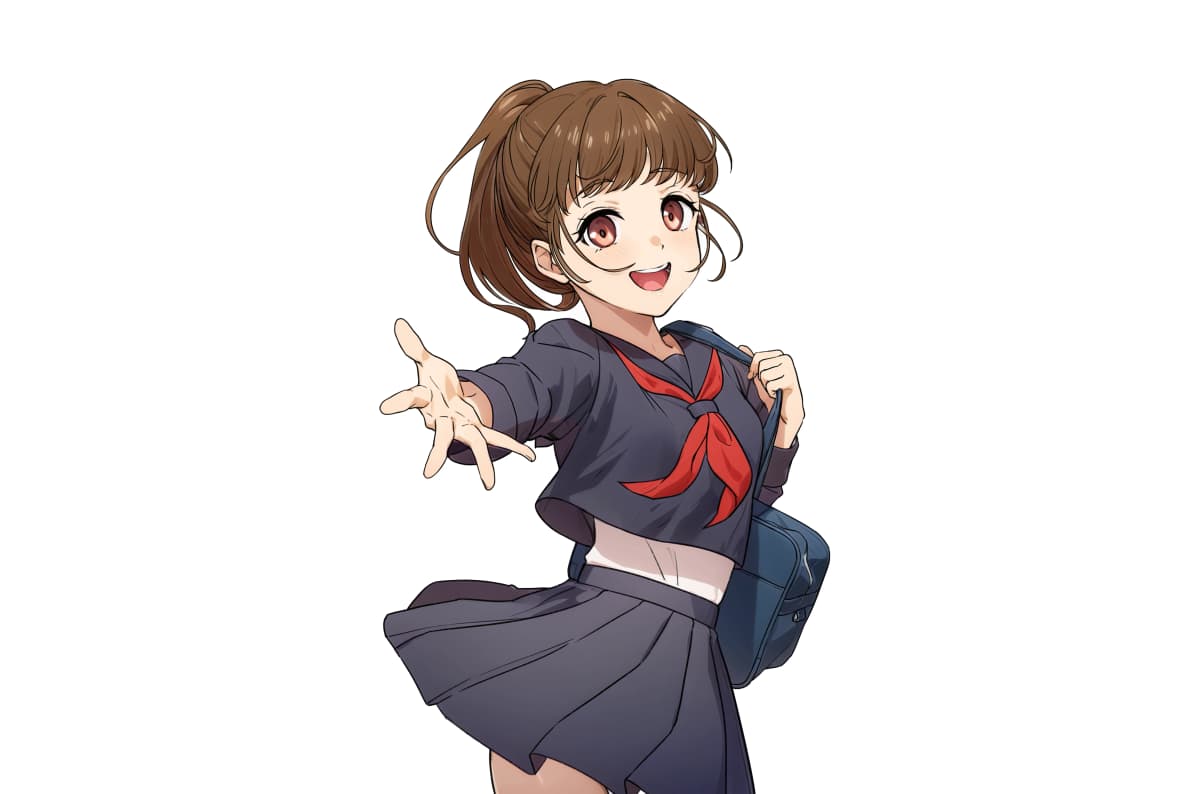

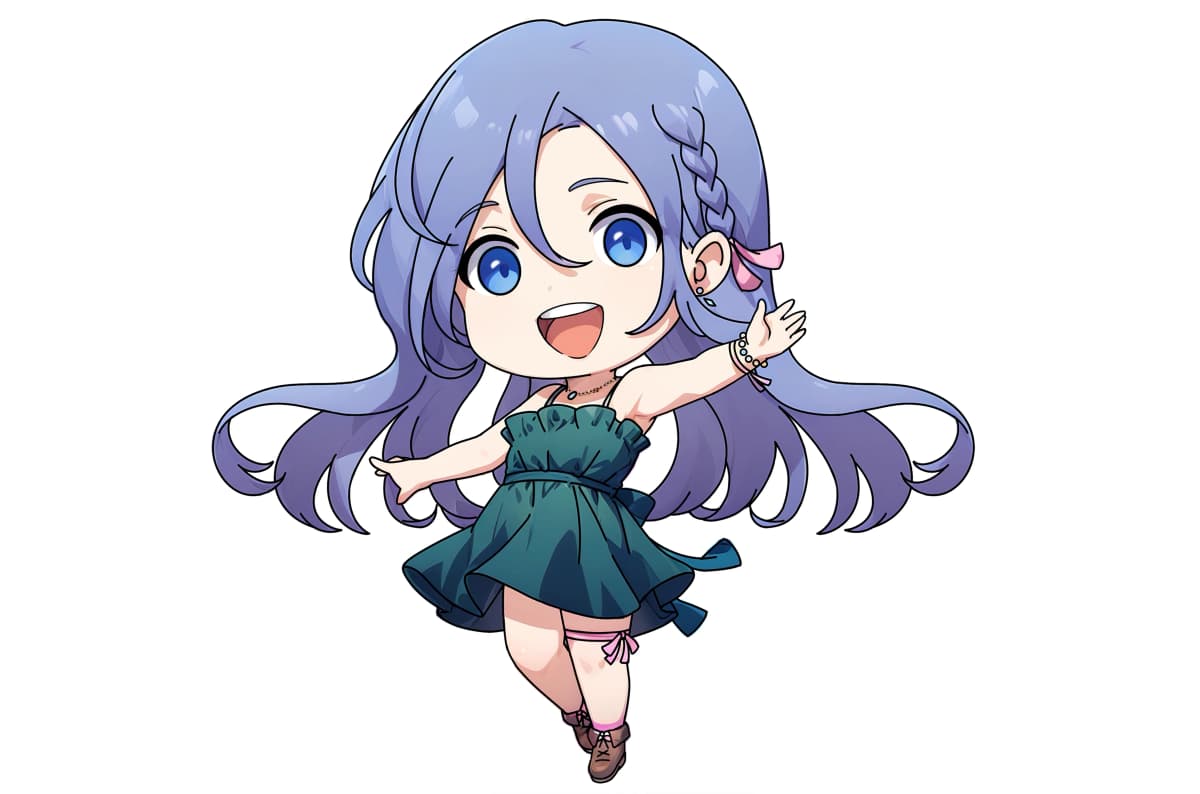

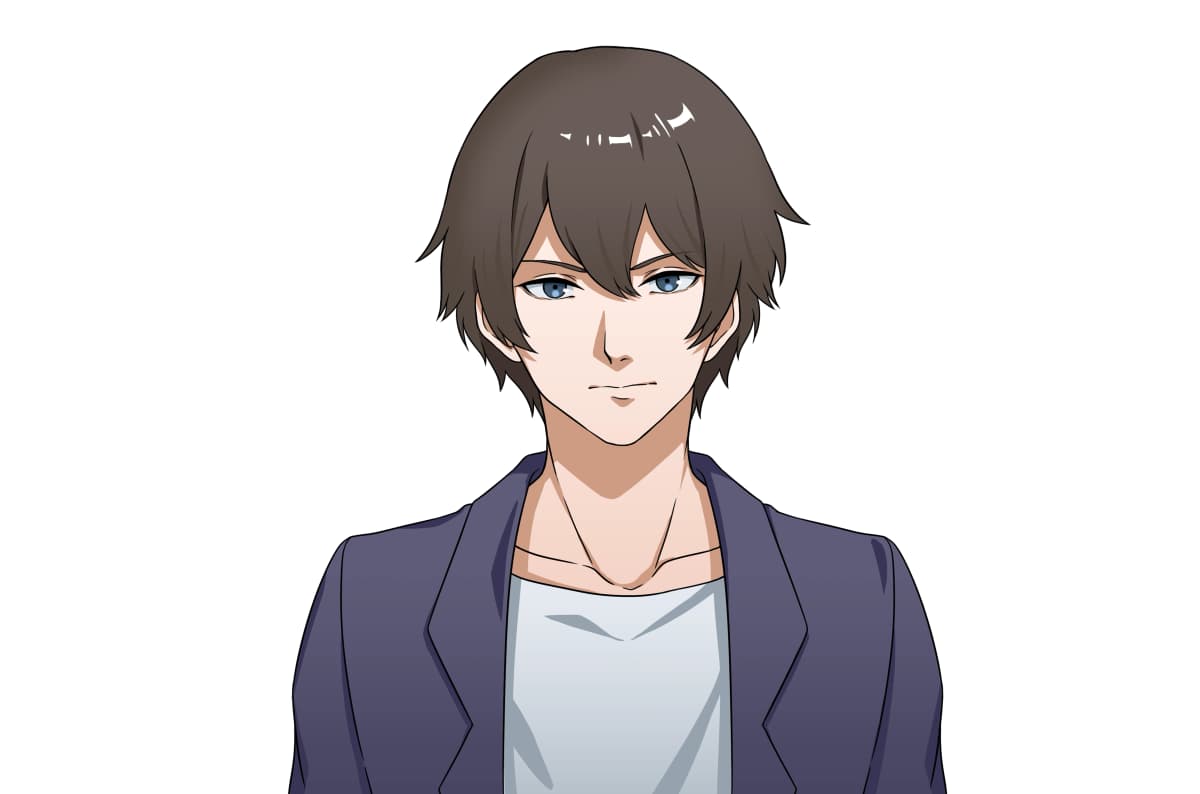

It's very easy to use
Upload your illustration

Upload your illustration into the 'Image Input' section of the tool.
Set parameters and prompt

Configure the model, parameters, and seed. You can enter the prompt manually or let the AI auto-generate one from the image.
Image conversion complete!

After about 10 seconds, your image will be transformed based on the prompt. If you like the result, download and use it right away!
Why copainter img2img stands out
Only 4 simple settings needed!
Equipped with professional presets and optimized with only the essential parameters, you can easily try AI image conversion by setting just four fields. The best model, parameters, and seed values are preconfigured, so all you need is a prompt. Even beginners can achieve high-quality results instantly, while advanced users can fine-tune for greater control.

Auto-generate prompts from your image
The AI analyzes your uploaded image and instantly generates a descriptive prompt based on composition, colors, and textures. Prompts are separated into keywords, making it easy to tweak only the parts you want to change. Just add or modify a few keywords to create variations — no need to write full descriptions from scratch. This is ideal for generating references or enhancing your finished work.


