

Background Removal
Make illustration and photo backgrounds transparent with one click
Get started for free
Features of copainter Background Removal
Simply upload an illustration or photo, and the AI automatically distinguishes between the subject and background, generating an image with a transparent background. It can accurately cut out even fine details that are difficult to handle manually, such as hair tips and semi-transparent effects. Whether you want to export character assets as transparent PNGs, cut out photo subjects for collages, or create icons and banners for social media, this tool handles it all instantly. No complex selection tools or masking work required — get professional-quality cutout results with just one click. Perfect for game assets, VTuber materials, e-commerce product images, and any scene requiring transparent backgrounds.
You don’t need a high-performance PC or complex software to use this tool. With its intuitive web interface, even beginners can operate it with ease. copainter is a next-generation creative support tool that expands your creative potential and makes the production process easier.
Make backgrounds transparent with just one click
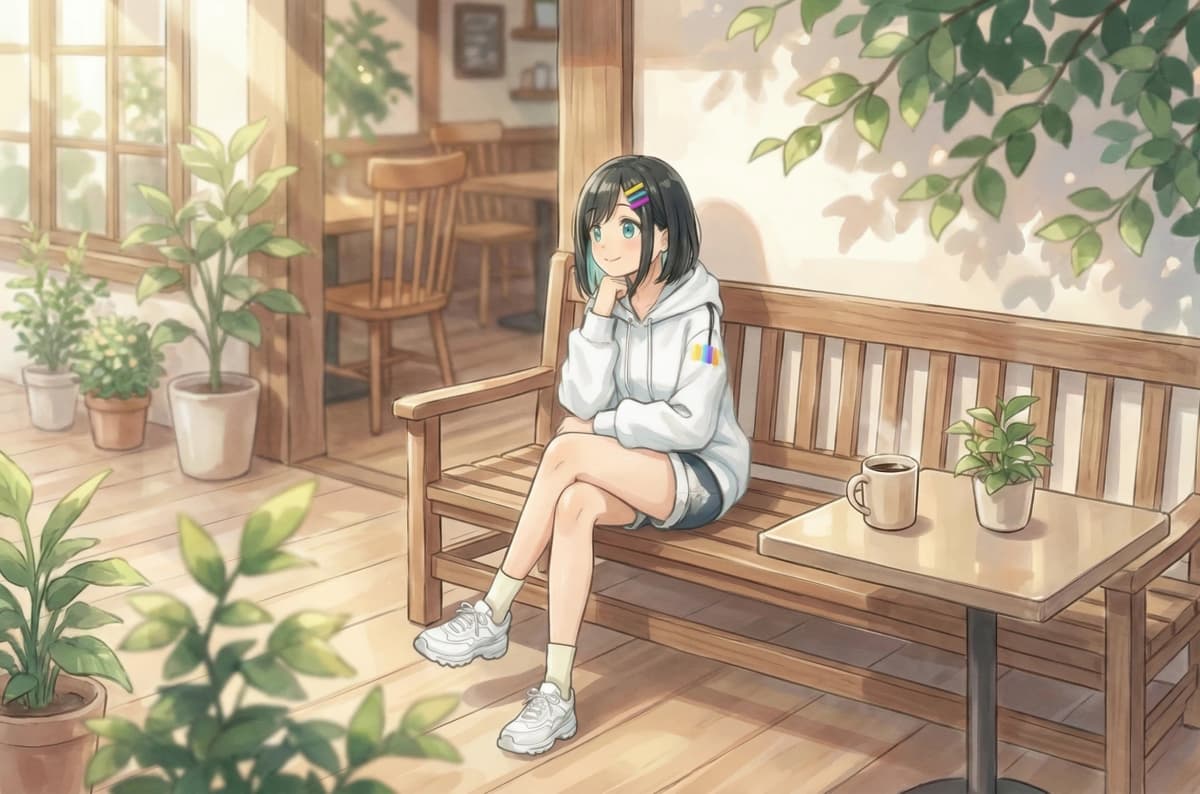

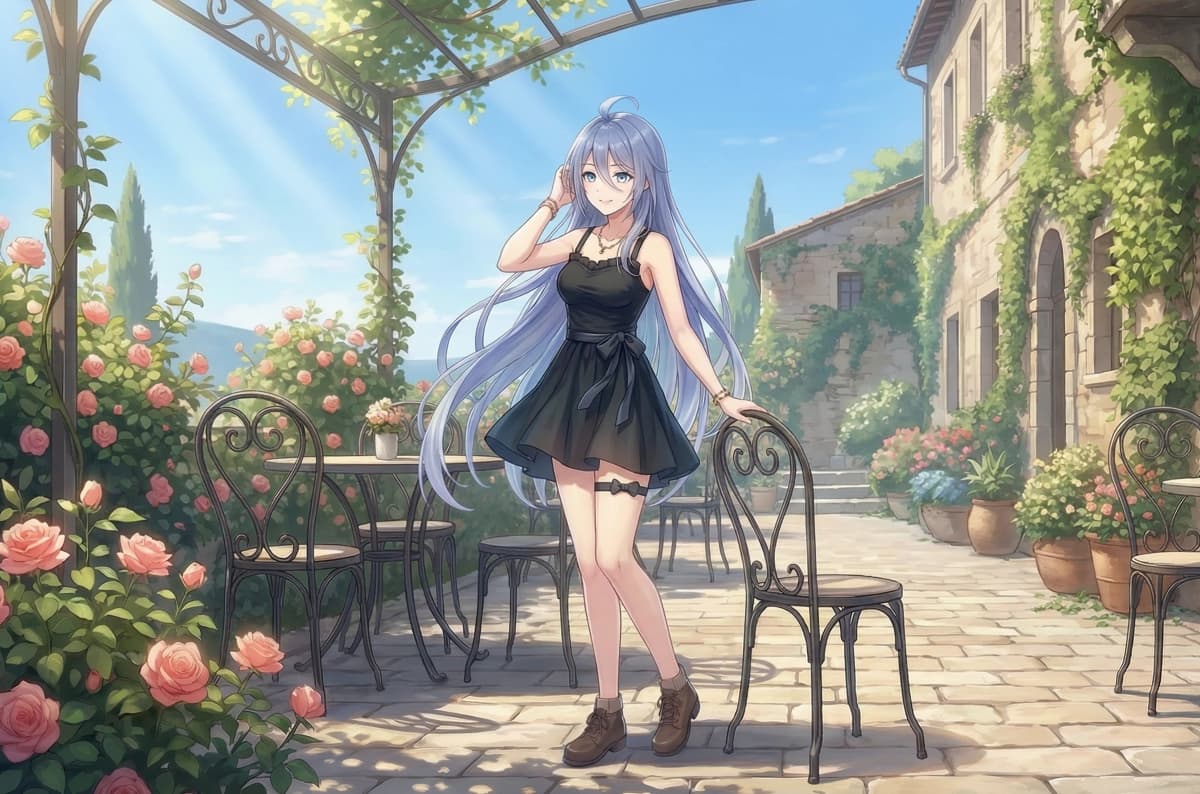

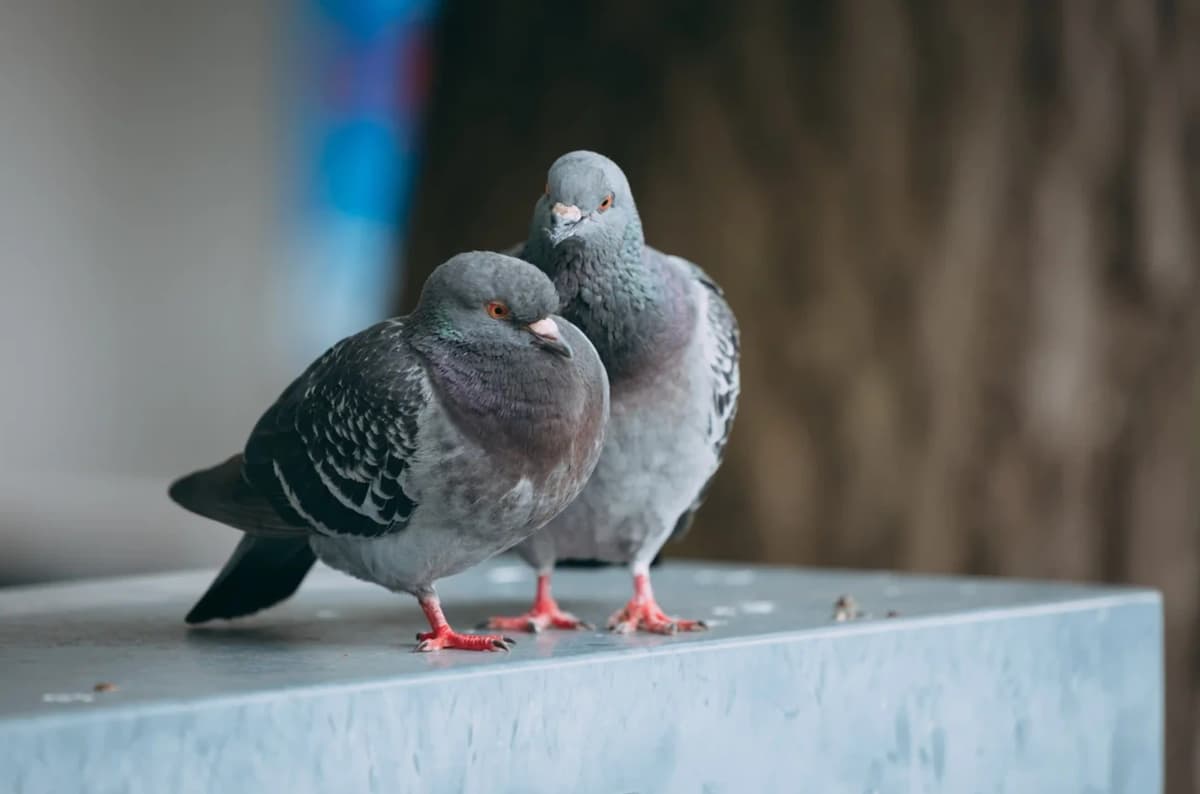

It's very easy to use
Upload an image

Upload the illustration or photo whose background you want to remove. Supports character illustrations, portrait photos, product images, and more.
Press the Submit button

Press the "Submit" button and wait a moment. (This consumes 3 tickets.)
Get your transparent image!

After a few seconds, an image with a transparent background will be generated. If everything looks good, download it and use it as an asset!
Why copainter Background Removal is chosen
Precise cutouts down to the finest hair strands
The AI recognizes subject contours with high precision, naturally cutting out even hair tips, semi-transparent effects, and complex accessories. Fine detail processing that would take significant time with manual path cutting or masking is completed with one click. Handles everything from character asset creation for illustrations to portrait cutouts from photos.

Works with any type of image
Supports anime and illustration-style images as well as real photographs. Accurately recognizes and removes backgrounds from character illustrations, portrait photos, product images, logos, and various other subjects. Achieves high-precision cutouts even with complex backgrounds or when subject and background colors are similar.


